Know the product behind the barcode
Name, brand, category and photo for groceries, cosmetics, pet food and books — from open product databases. Only the barcode number is sent.
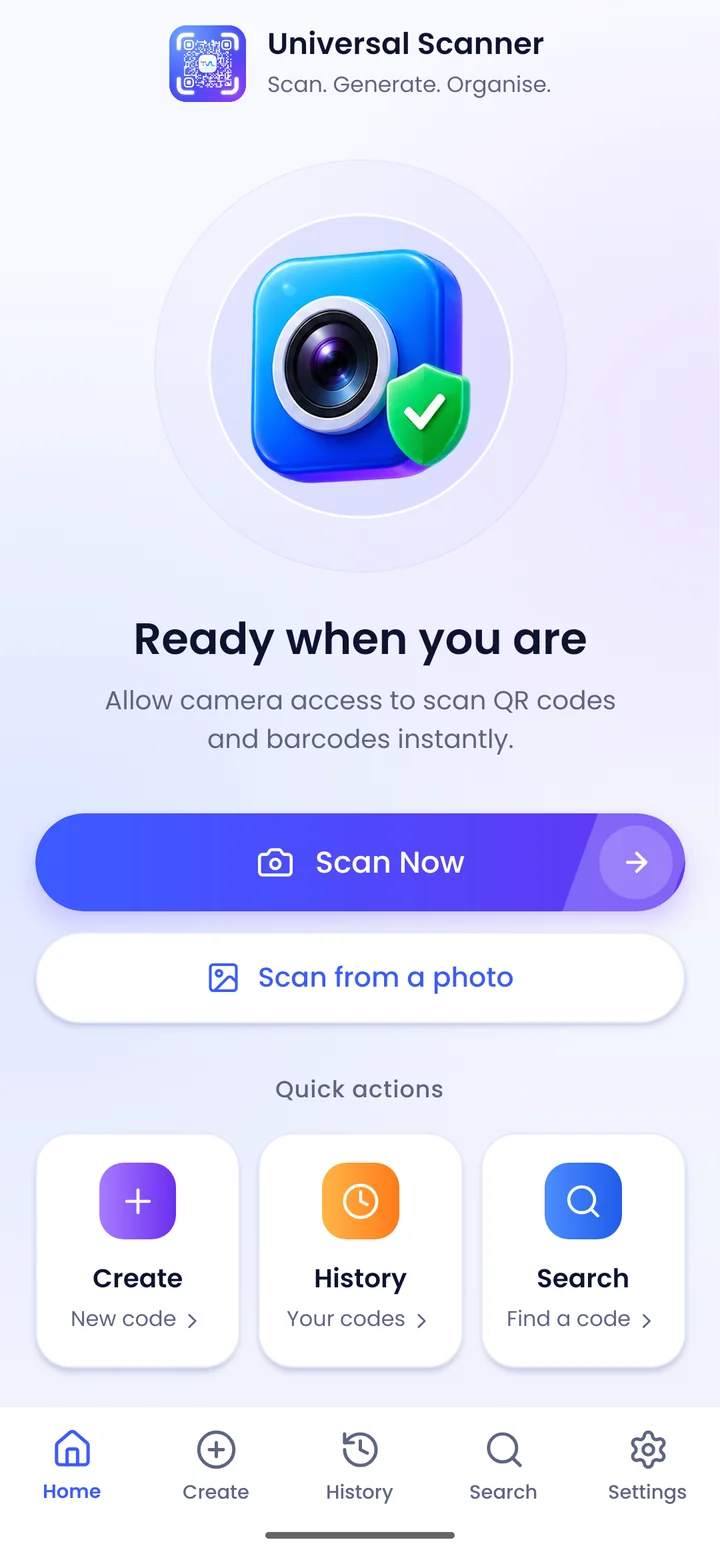
Universal Scanner reads any QR code or barcode and tells you what it really is — the product, the website, the Wi-Fi network — before you act on it.
Features
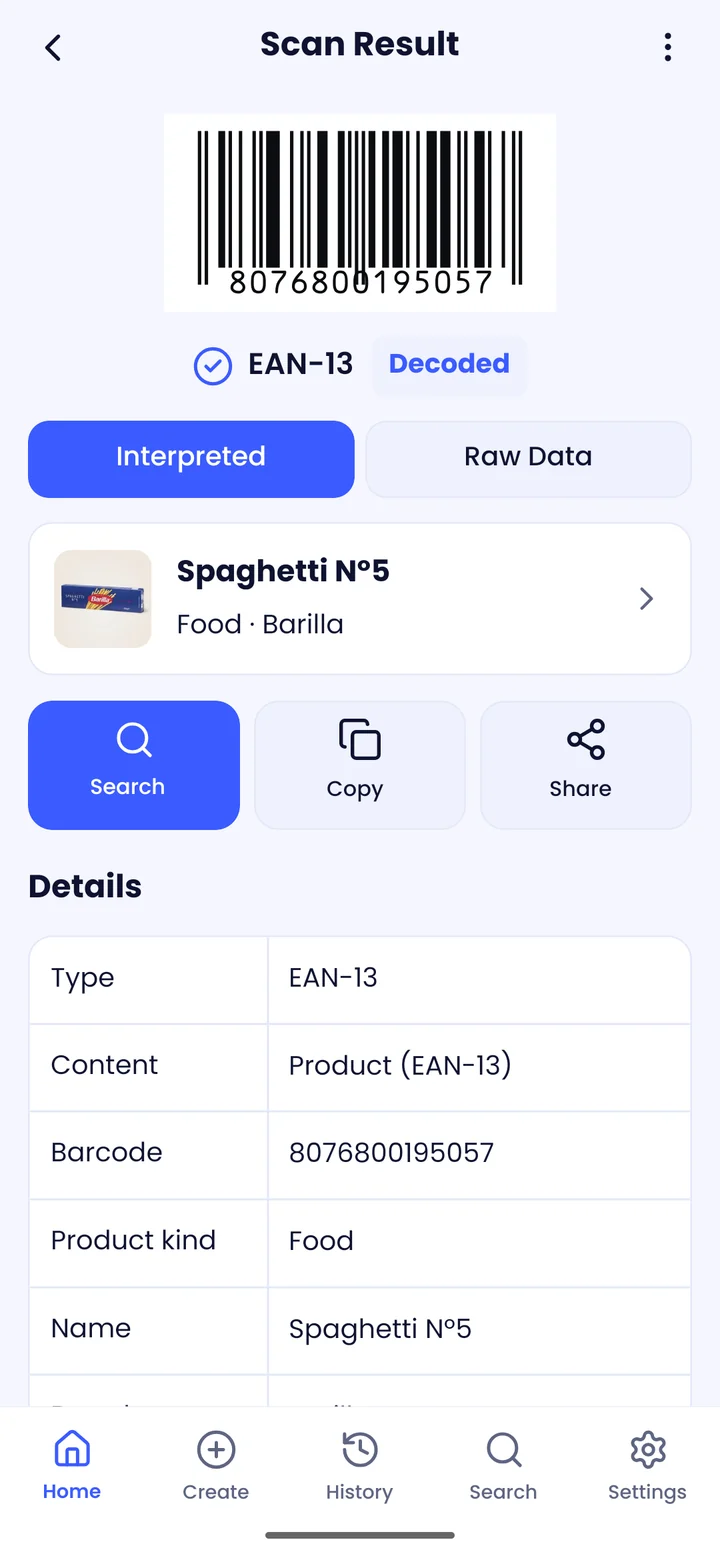
Every scan comes back as something you can use — not a string of digits.
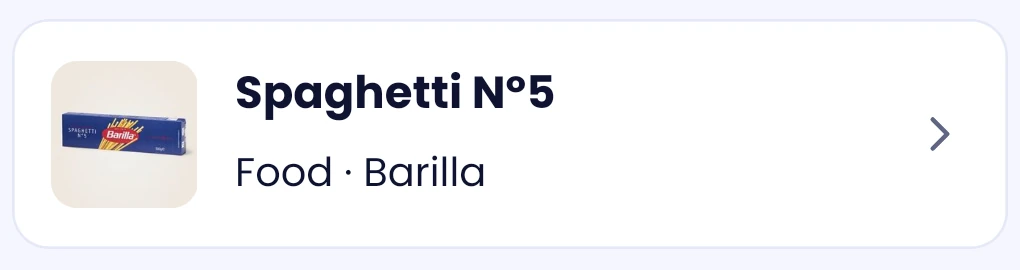
Name, brand, category and photo for groceries, cosmetics, pet food and books — from open product databases. Only the barcode number is sent.
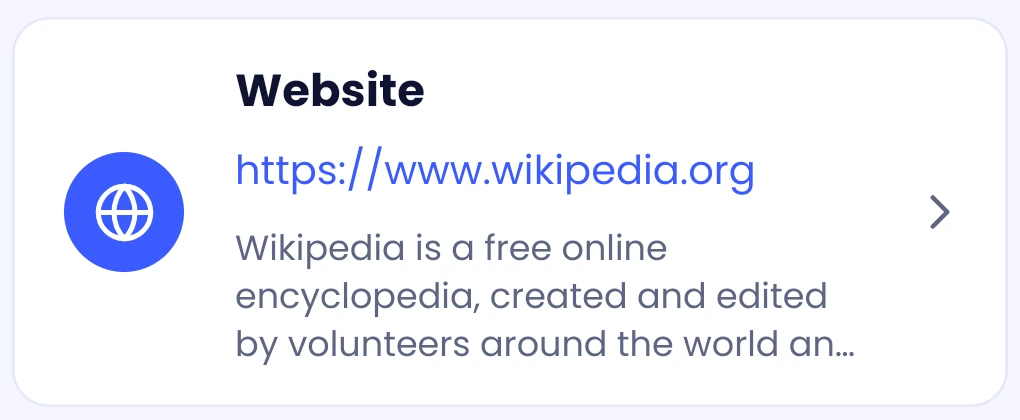
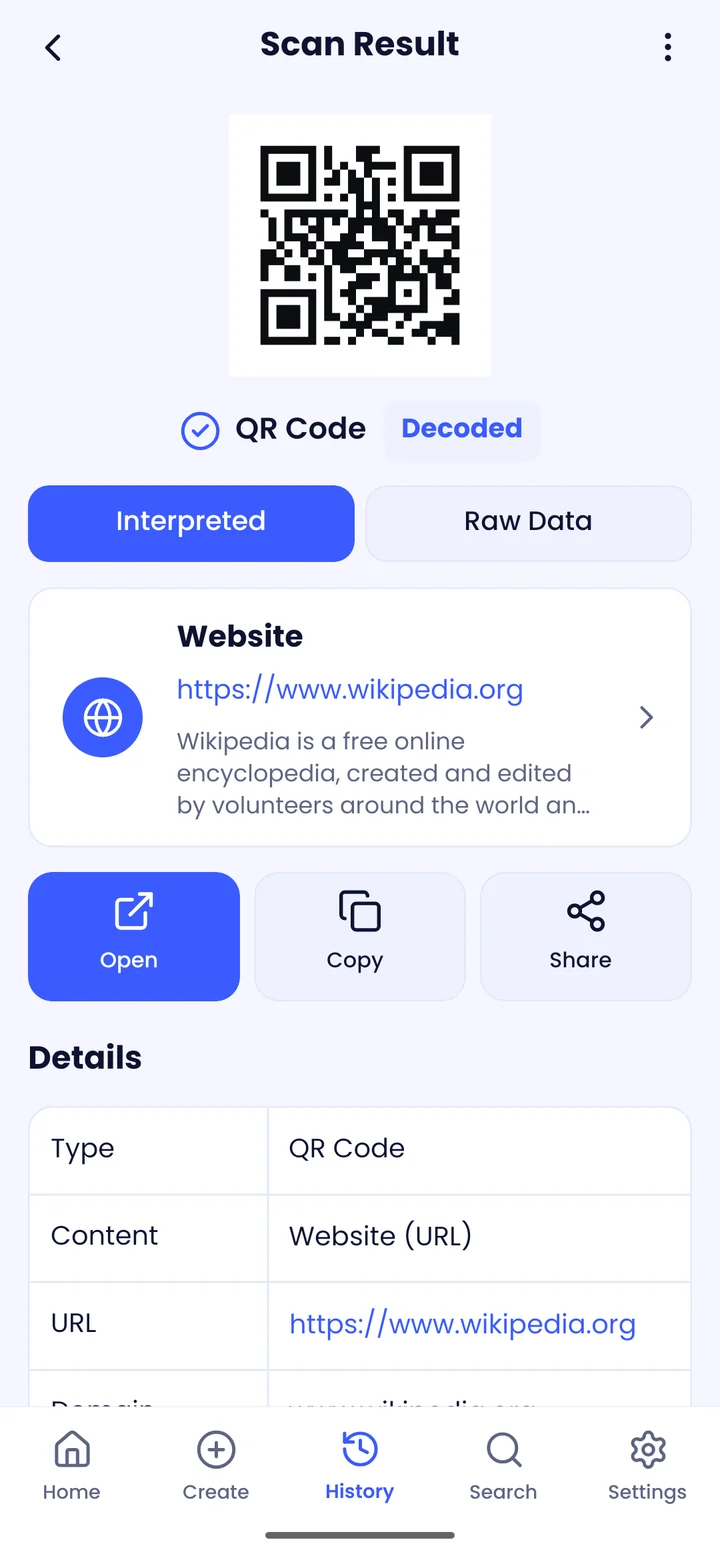
See what a site says about itself, right under the link.
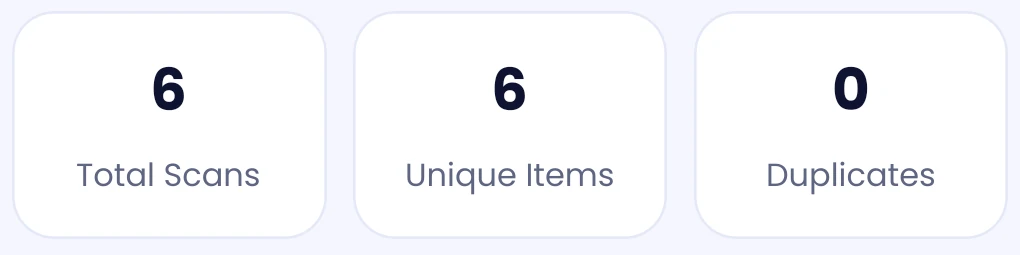
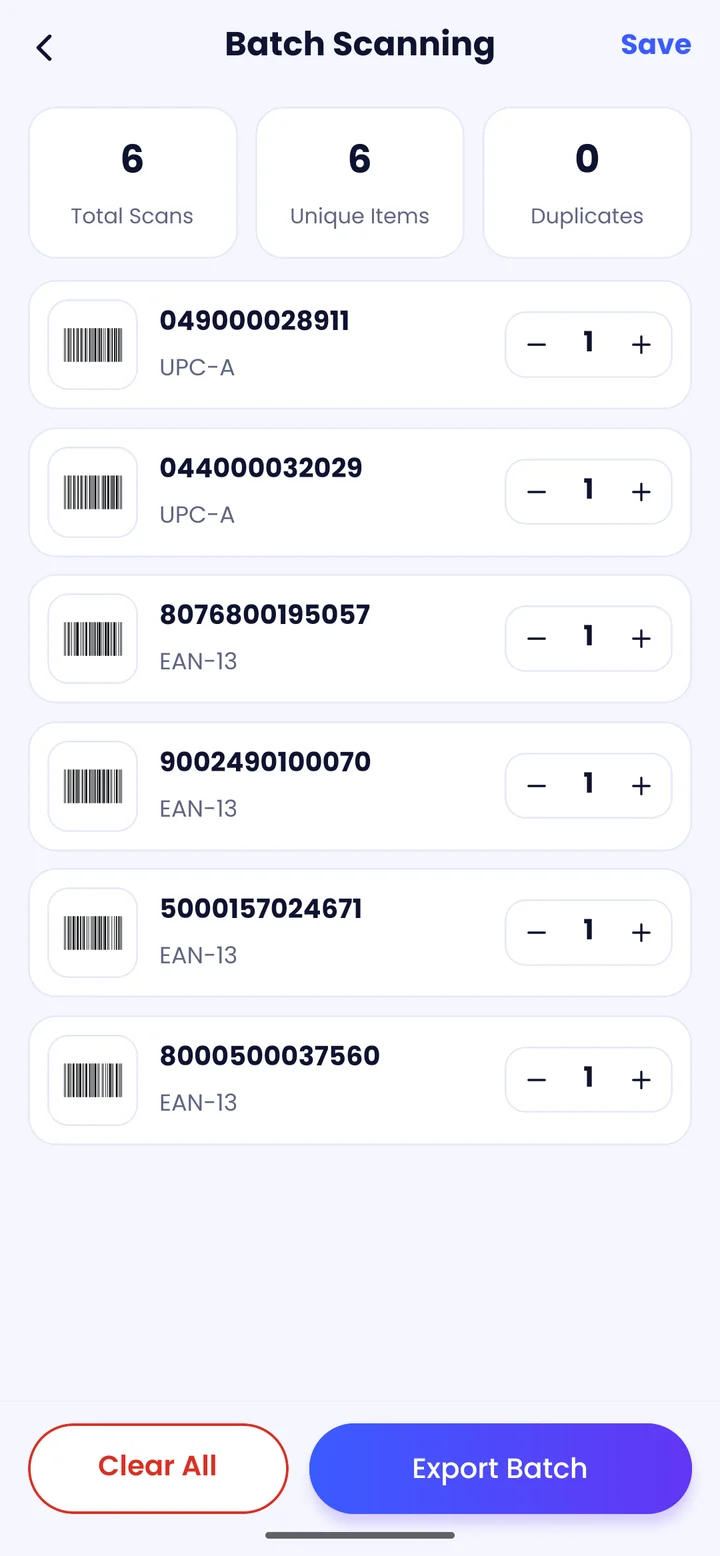
Scan a whole shelf without stopping. Repeats add to the count; the latest code is always on screen.
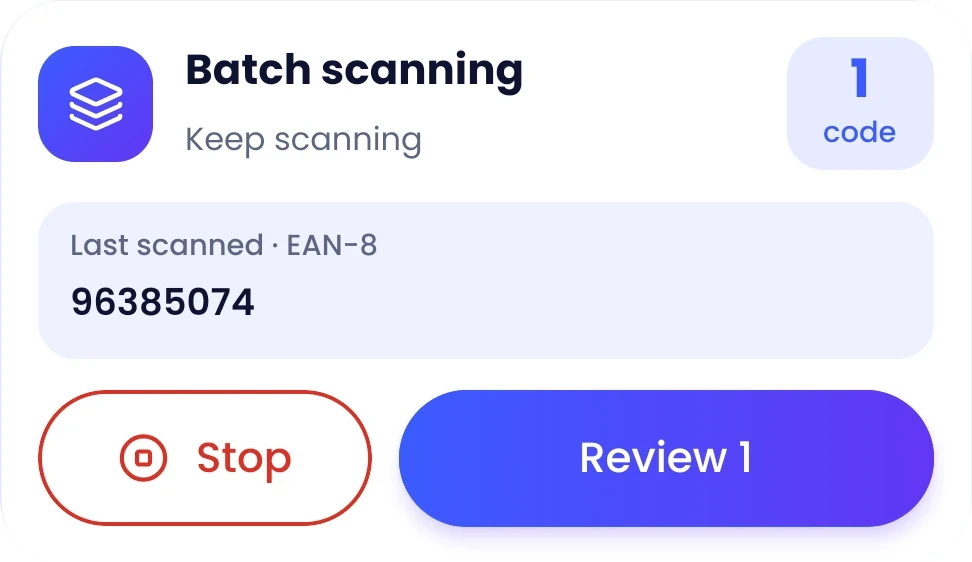
Totals, duplicates and quantities at a glance. Export to the format your team already uses.
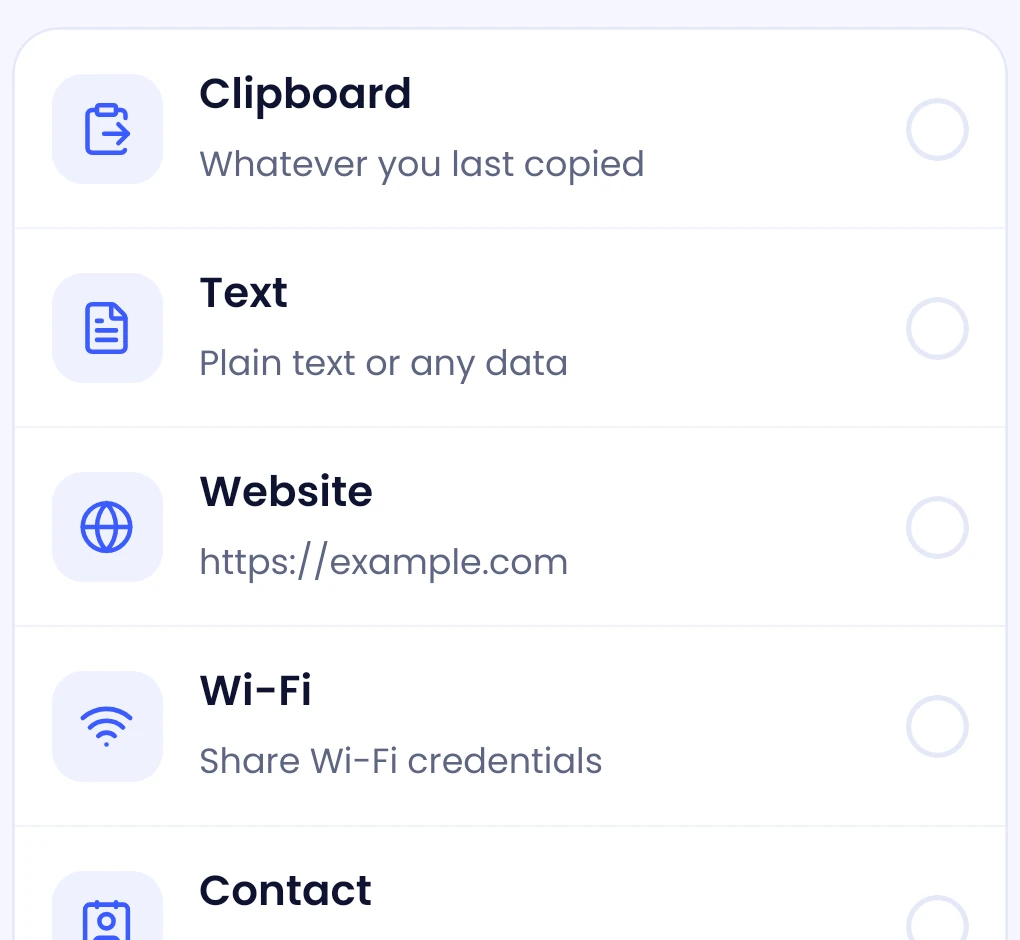
Wi-Fi, contacts, links, events, payments and retail barcodes — styled your way.
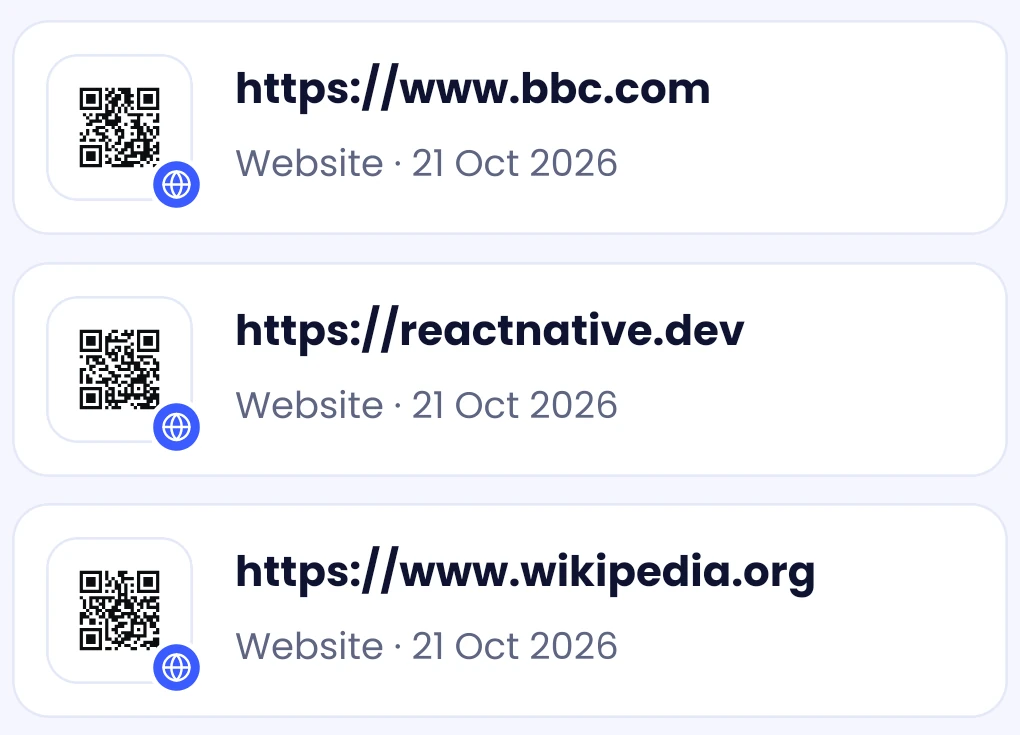
Search, tag and group everything you scan or create into collections.
Camera or photos — even several codes in one picture.
Link safety
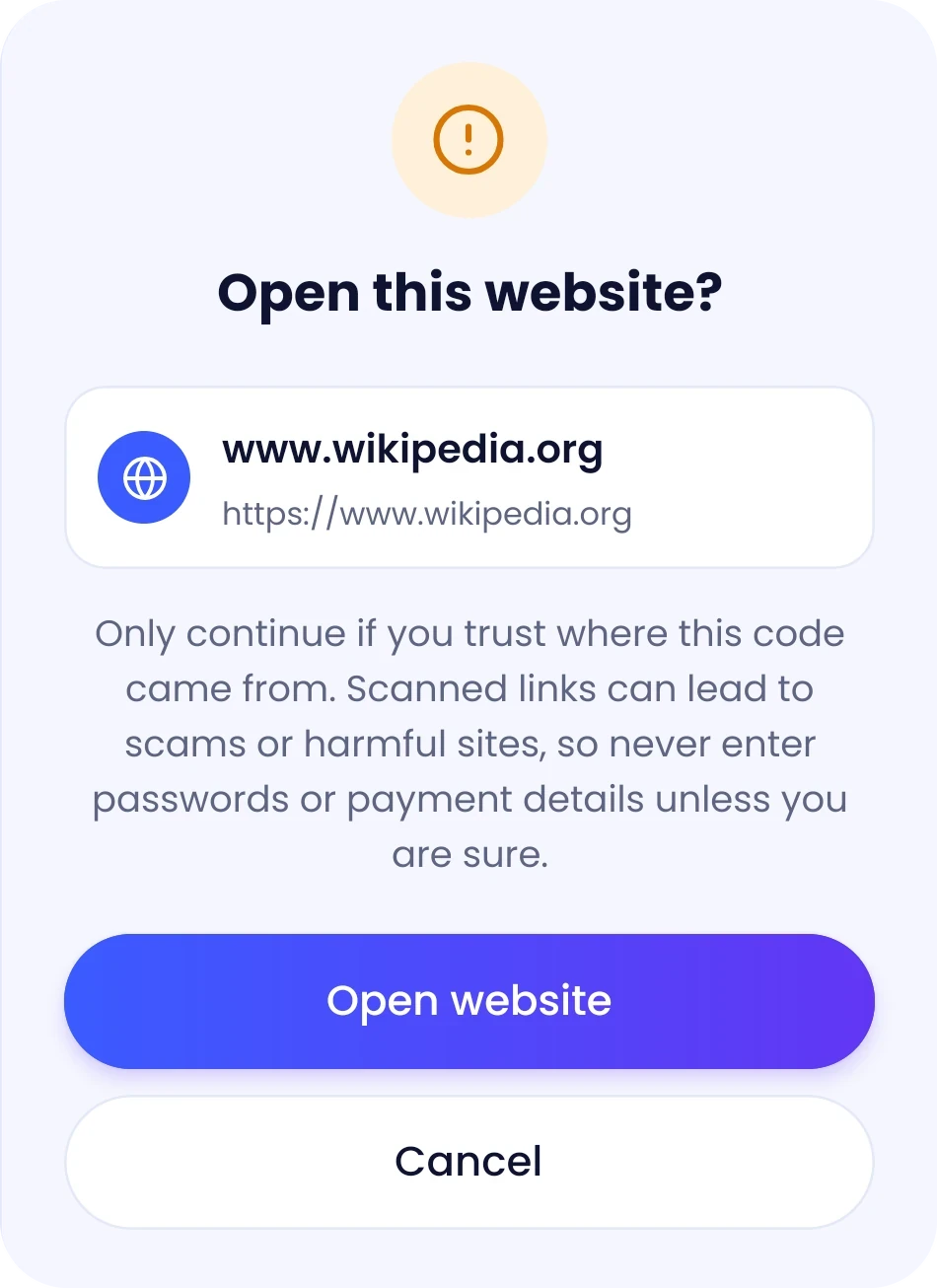
Fake parking meters, swapped menu codes, phishing stickers — scanned links are a common way in. Universal Scanner puts a checkpoint between the code and your browser.
How it works
Aim the camera, or choose photos and screenshots from your gallery.
Products, websites, contacts and Wi-Fi are recognised and explained.
Open, copy, share or join — or save, organise and export for later.
Designed for everyone
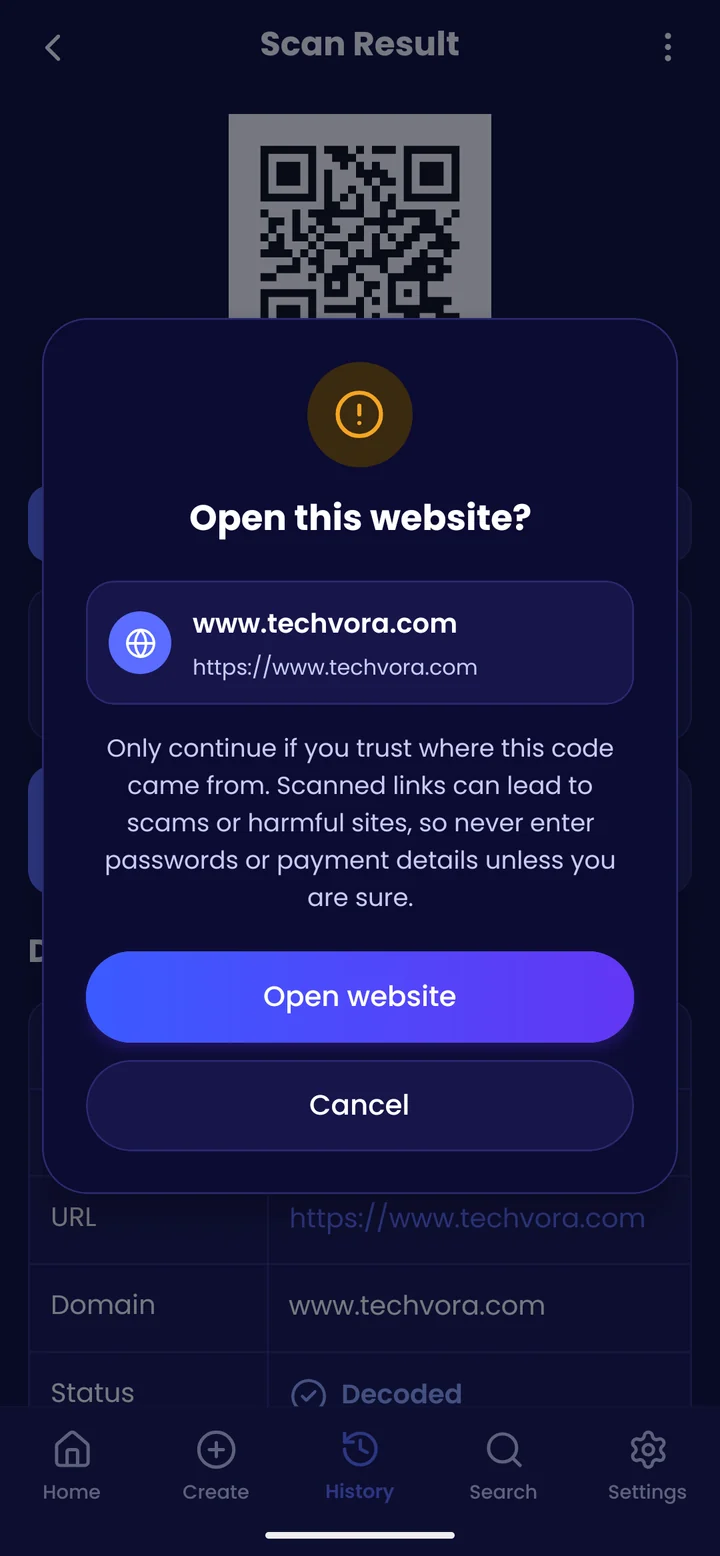
Follow your phone’s theme or choose one. Larger text and a high-contrast mode are a switch away, and the app works with your phone’s screen reader.
Privacy
No account, no tracking of what you scan. The camera is only used to read codes.
History and the codes you create live on your phone, not on a server.
Scanning and creating need no connection. Only optional lookups go online.
One switch: nothing is saved and nothing is looked up online.
Online lookups send only a barcode number or read a site’s title. Turn them off any time.
FAQ
Something else? Reach Tech Vora Limited through the app’s Google Play listing.
Android phones and tablets running Android 7.0 or later, with a camera. Scanning from photos works on any of them.
Yes. Choose Scan from a photo and pick one or more images. Every code in them is read, and several codes found together open as a batch.
Only optional lookups: a product’s barcode number goes to Open Food Facts or Open Library, and a scanned website is read for its title and description. Turn Look up online off in Settings, or use Private mode, and nothing is sent.
Scanned links never open straight away. You see the real address and what the site says it is, with a clear caution, and nothing happens until you choose to open it.
Yes — batches and history export to CSV, Excel, PDF or JSON, and any code can be saved as an image to share.
No. There’s nothing to sign up for; open the app and scan.
Universal Scanner for Android.